Intro to AutoCAD
Learn how to use AutoCad for digital drafting
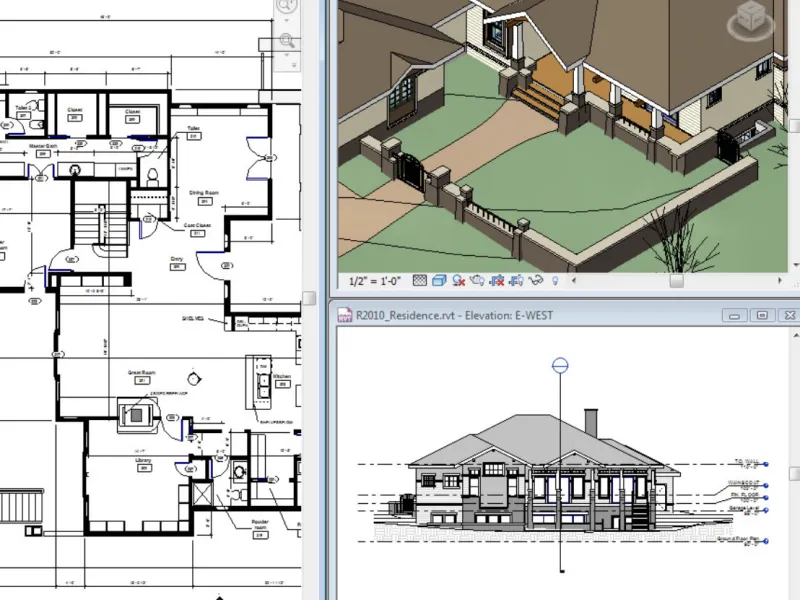
Designed for beginners, this course introduces the fundamentals of AutoCAD drafting. You'll learn how to set up drawings, create basic 2D drafts in Model Space, format in Paper Space, and print/plot your work. Each session combines guided tutorials with hands-on exercises, culminating in the development of a sample architectural floor plan.
Class Schedule
October 28th to November 20th, Tuesday and Thursday evenings from 6 - 8 pm.
You'll Take Home
Yestermorrow can provide access to 1 year of free AutoCAD ($2030 value) to students who need it. Please email tinder@yestermorrow if you'd like to take advantage of this.
Experience Level & Prerequisites
Students should have basic computer literacy and be comfortable using Zoom and Google Drive platforms. Students will be required to provide their own desktop or laptop, no tablets, with AutoCAD preinstalled, along with a keyboard and three-button mouse. The program requires a 64-bit operating system, either Mac OS Big Sur (v11) or Windows 10 or later, and a minimum of 8GB RAM and 10GB disk space.
Credits
-
16 AIA Credits
-
1 Sterling College CEUs
Instructors

Reviews
-
"Learning how to apply what we were learning on real-world test cases, like working on a real house plan, and then creating documents related to real buildings helped my spatial awareness of learning how to use the program effectively."